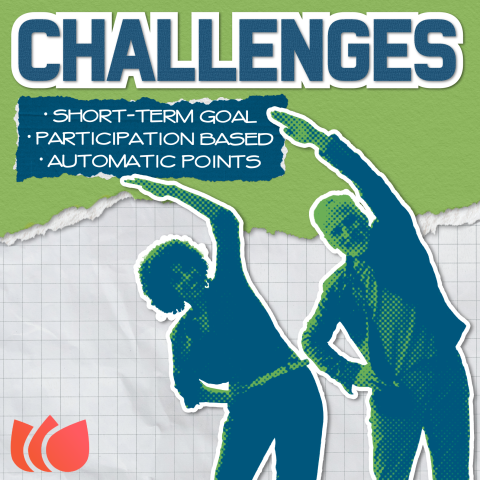
Benefits:
- Ease of Management - Simple setup and administration for departments
- Broad Involvement - Excellent mechanism for engaging a large number of employees simultaneously
- Automated Rewards - Points are automatically awarded to employees upon completion.
When to Use:
Challenges can be deployed whenever there is a need to motivate employees to complete an activity or reach a specific goal. This can be targeted to:
- Individual teams
- Specific departments
- The entire organization (County-wide)
How it Works:
- Decide: The department or team decides on the challenge parameters (activity, duration, goal, and associated points).
- Setup: Fill out the Nectar Request form and HR will create the challenge in Nectar.
- Completion: Employees participate in and complete the required activity or reach the defined goal.
- Claiming Rewards: Once the activity is completed, employees are able to claim their prize (points).
- Validation (Optional): Departments can choose whether they need to manually validate the completion or if it is automatically confirmed.
- Points Awarded: Points are automatically credited to the employees' Nectar accounts.
Examples:
| Challenge Type | Goal/Activity | Reward Mechanic |
|---|---|---|
| Volunteer | Volunteer with a designated organization (e.g., NAR). | Receive 20 points upon confirmed volunteer hours. |
| Wellness | Walk 6,000 steps each day for a full month. | Win points upon self-reporting completion of goal. |
| Training | Complete a specific training course in the Absorb learning platform. | Upload the certificate of completion to earn points. |
