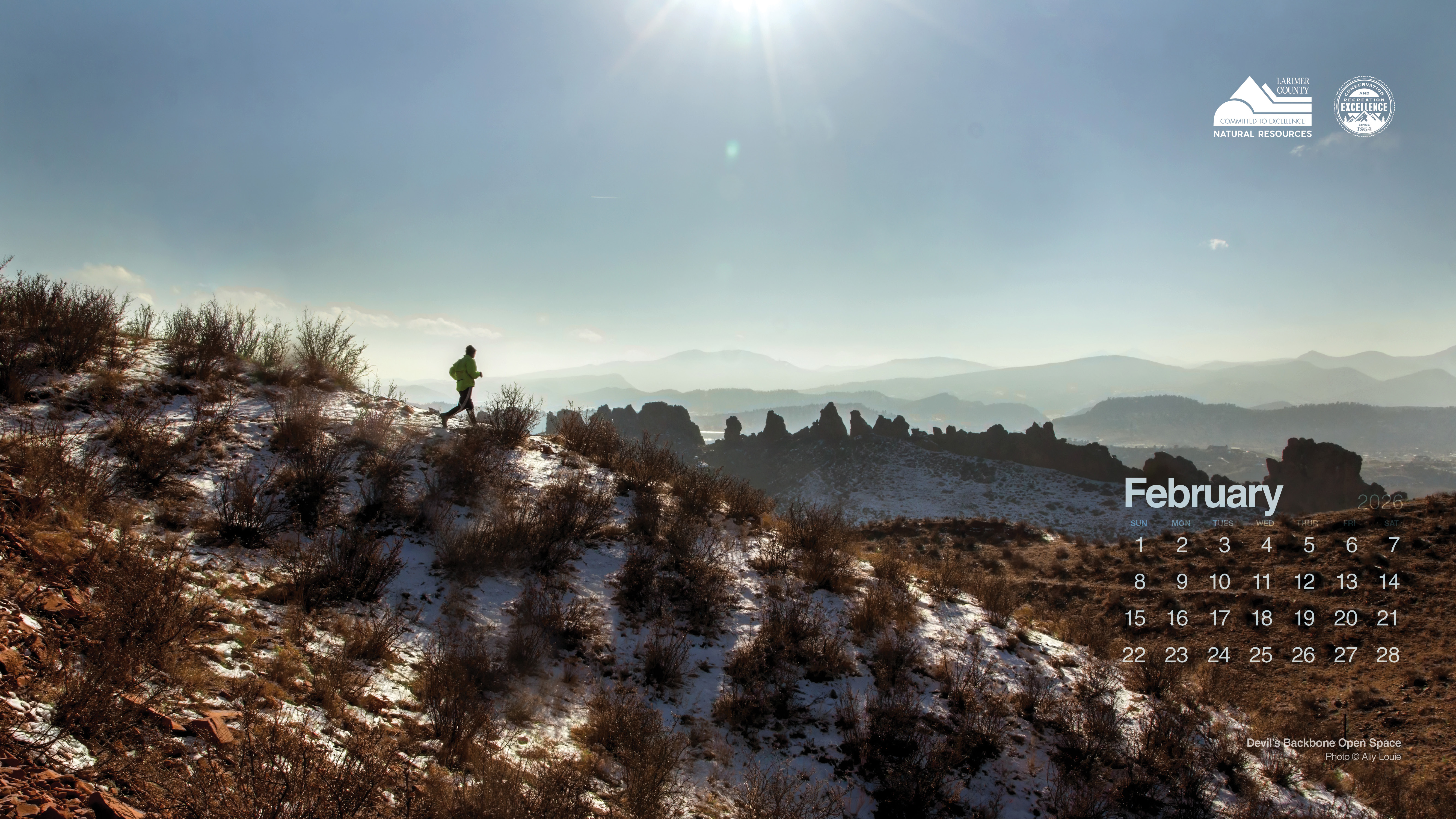
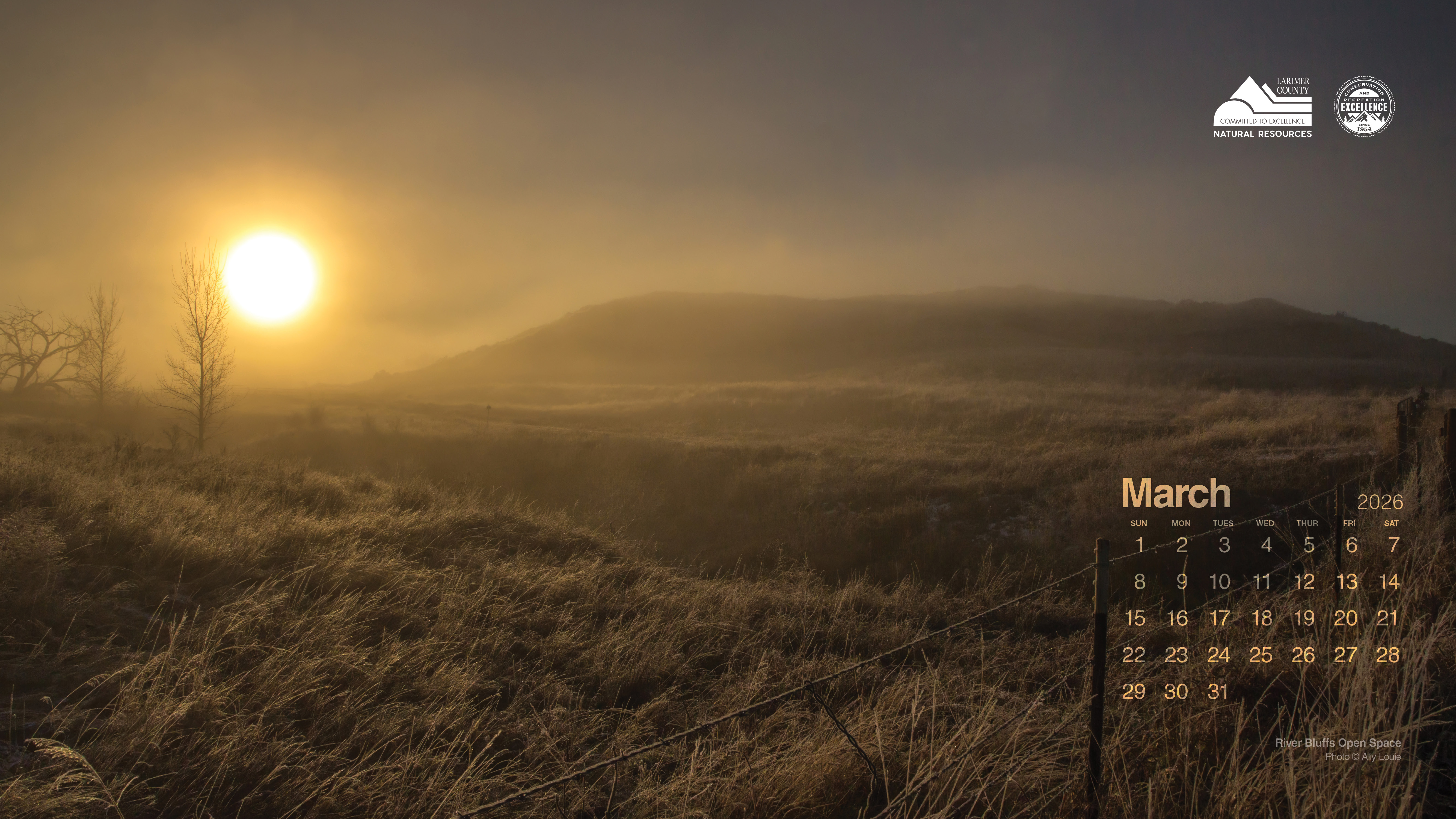
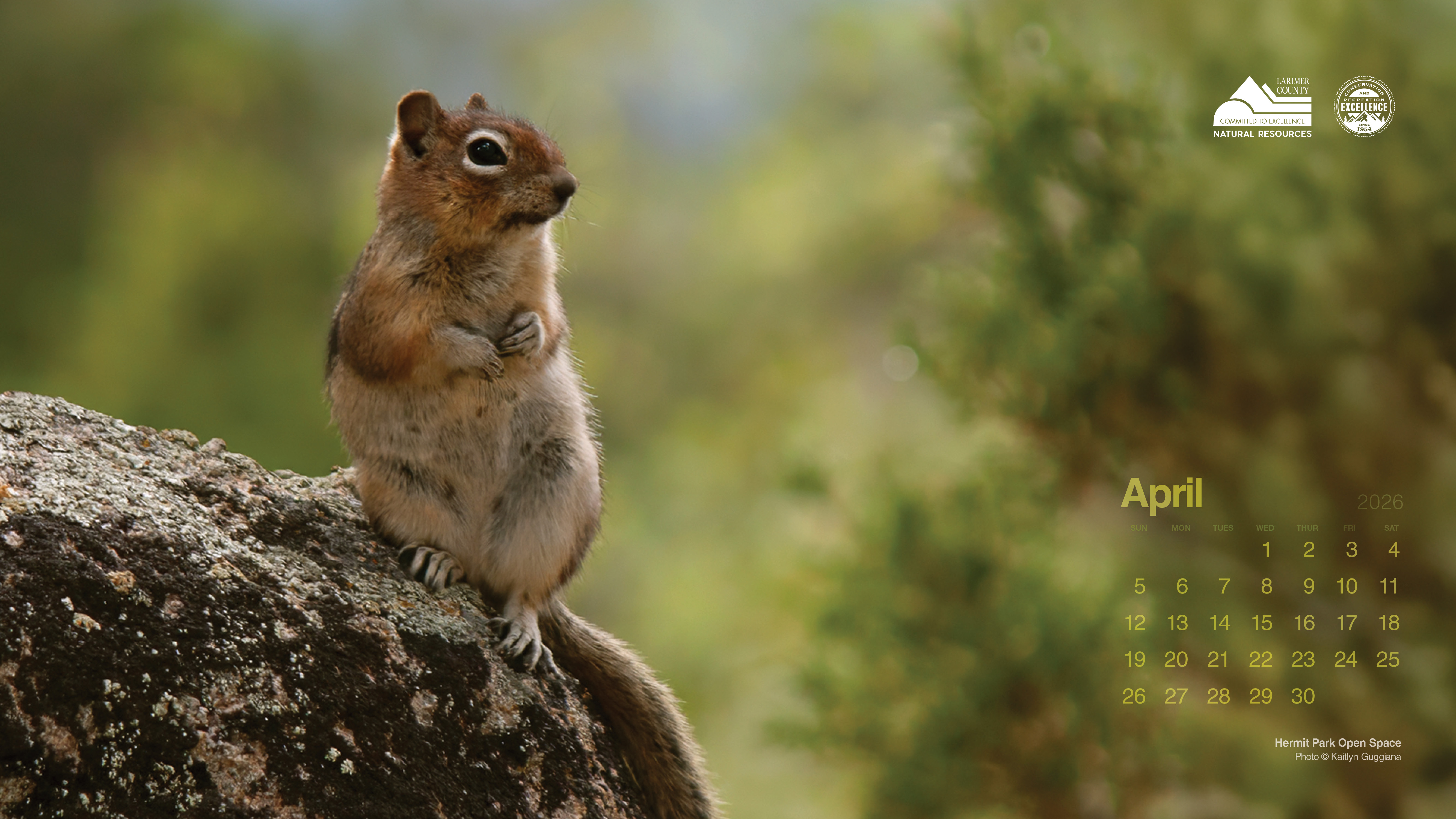
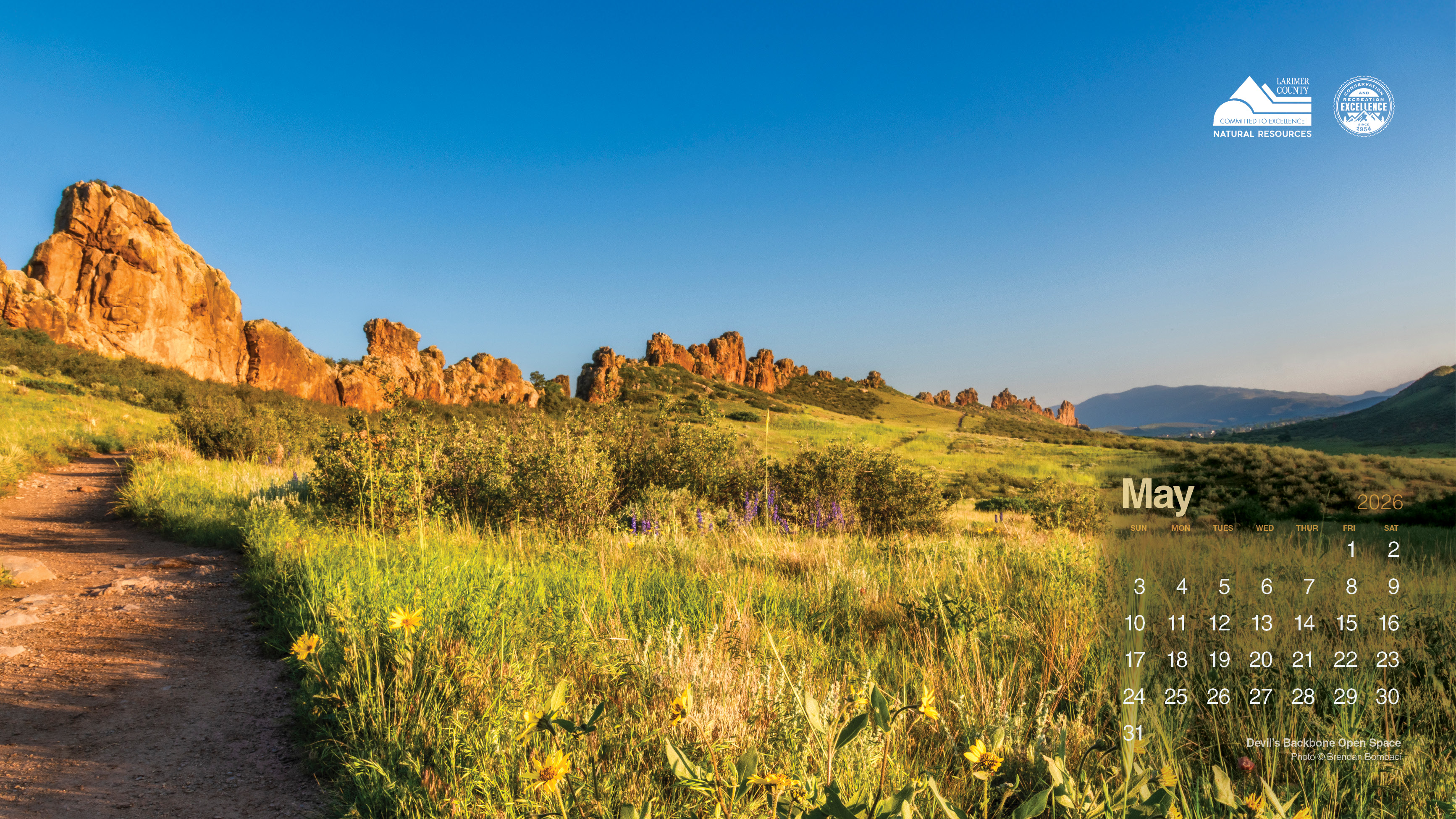
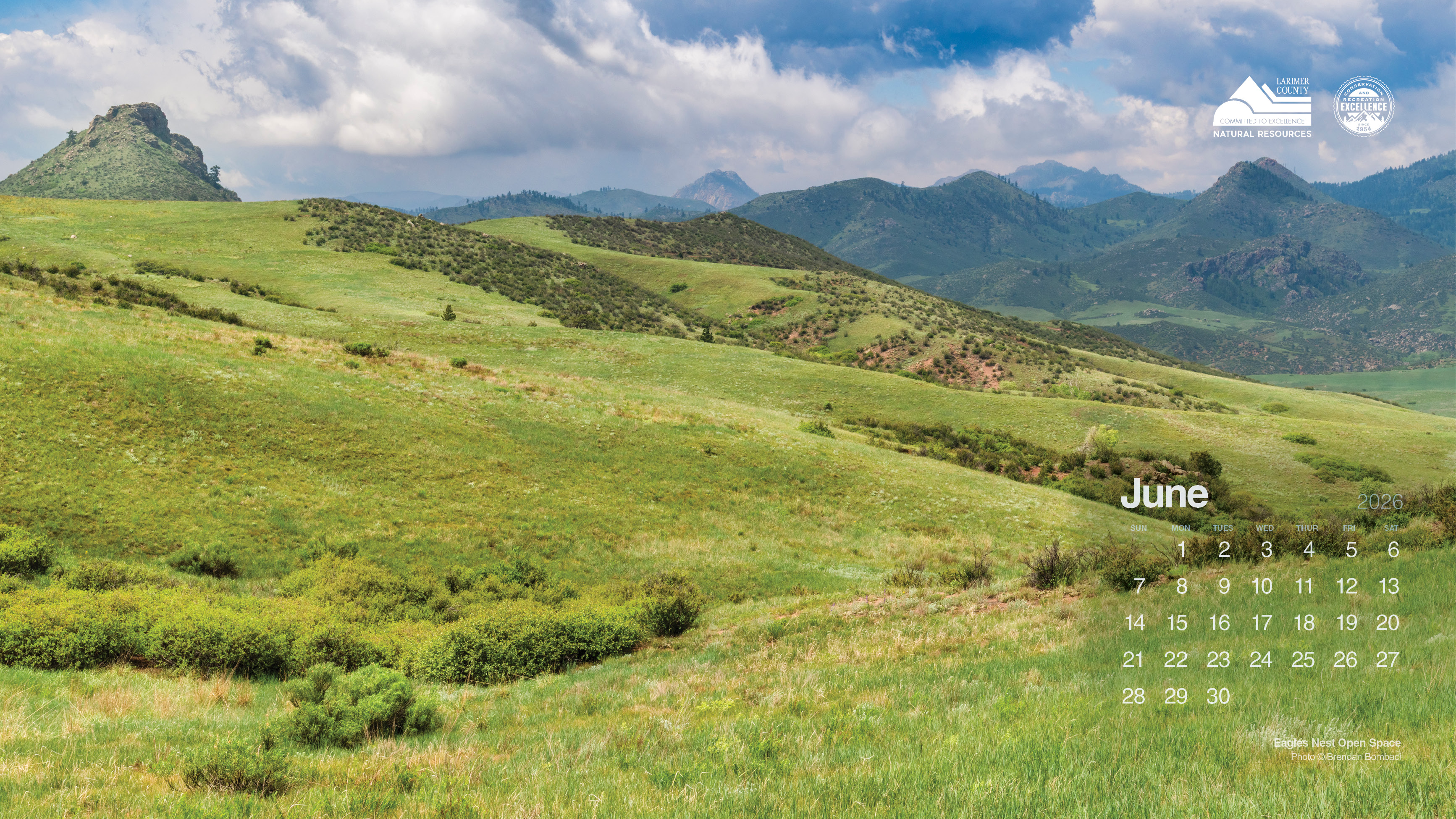
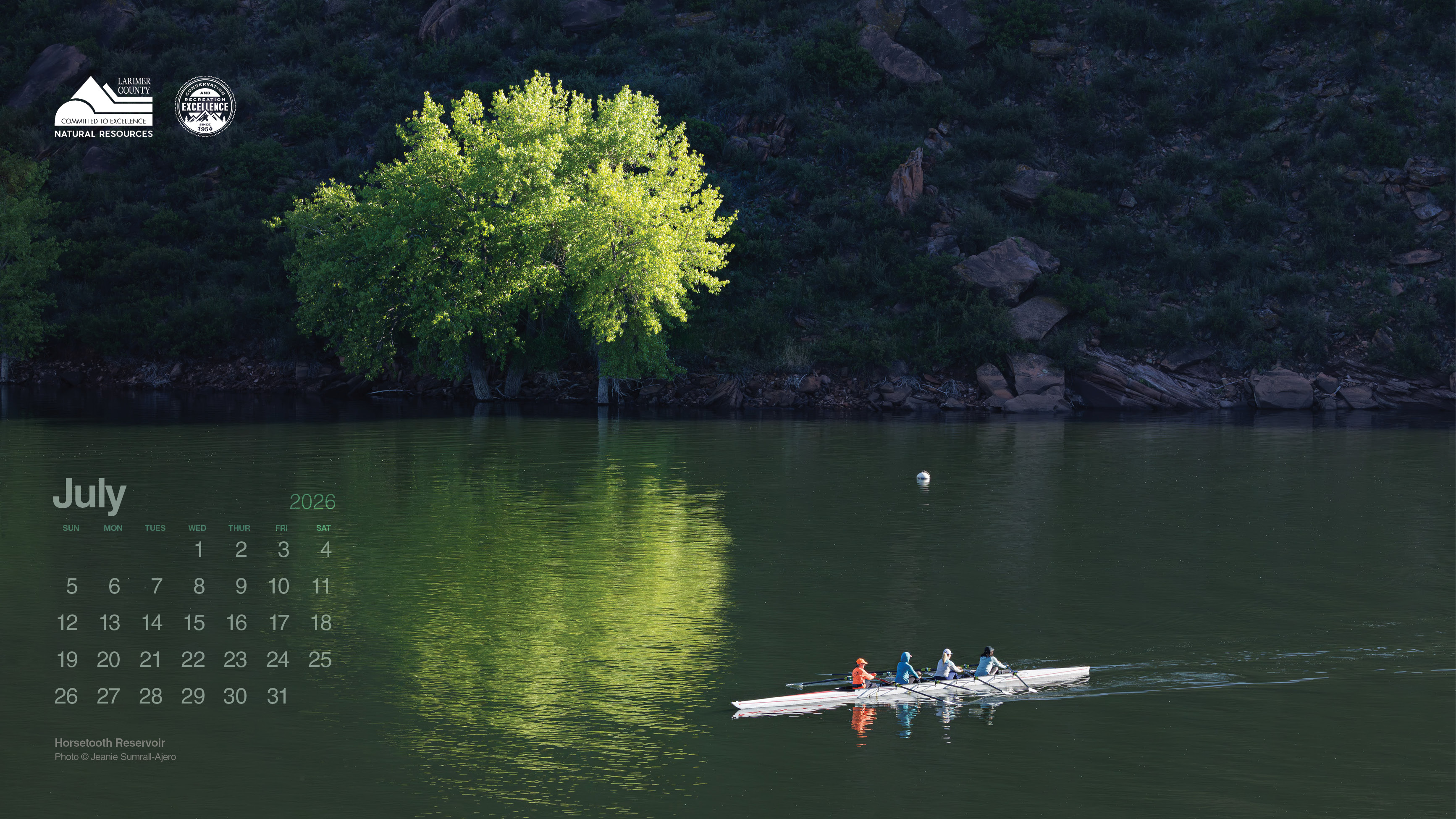
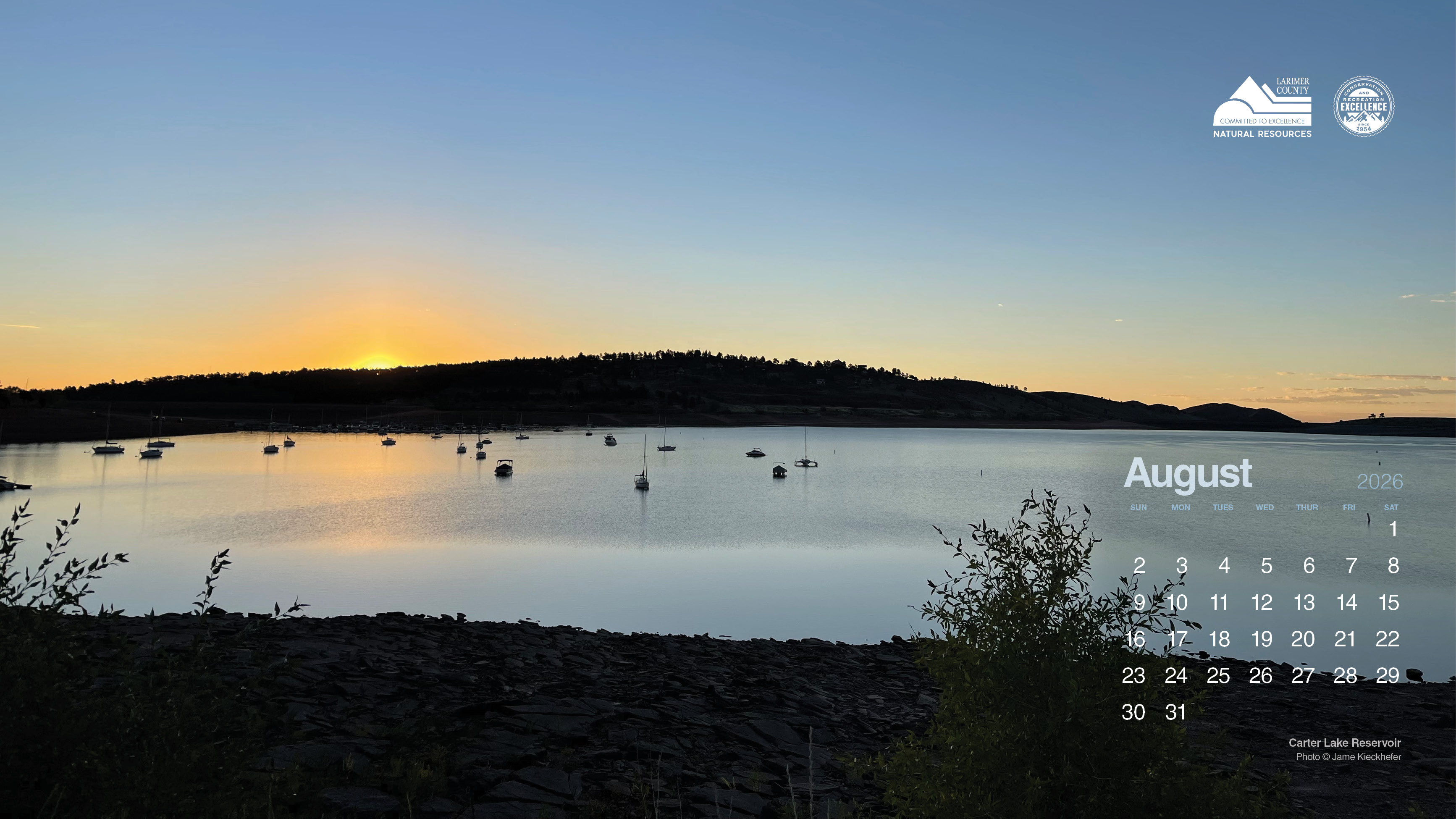
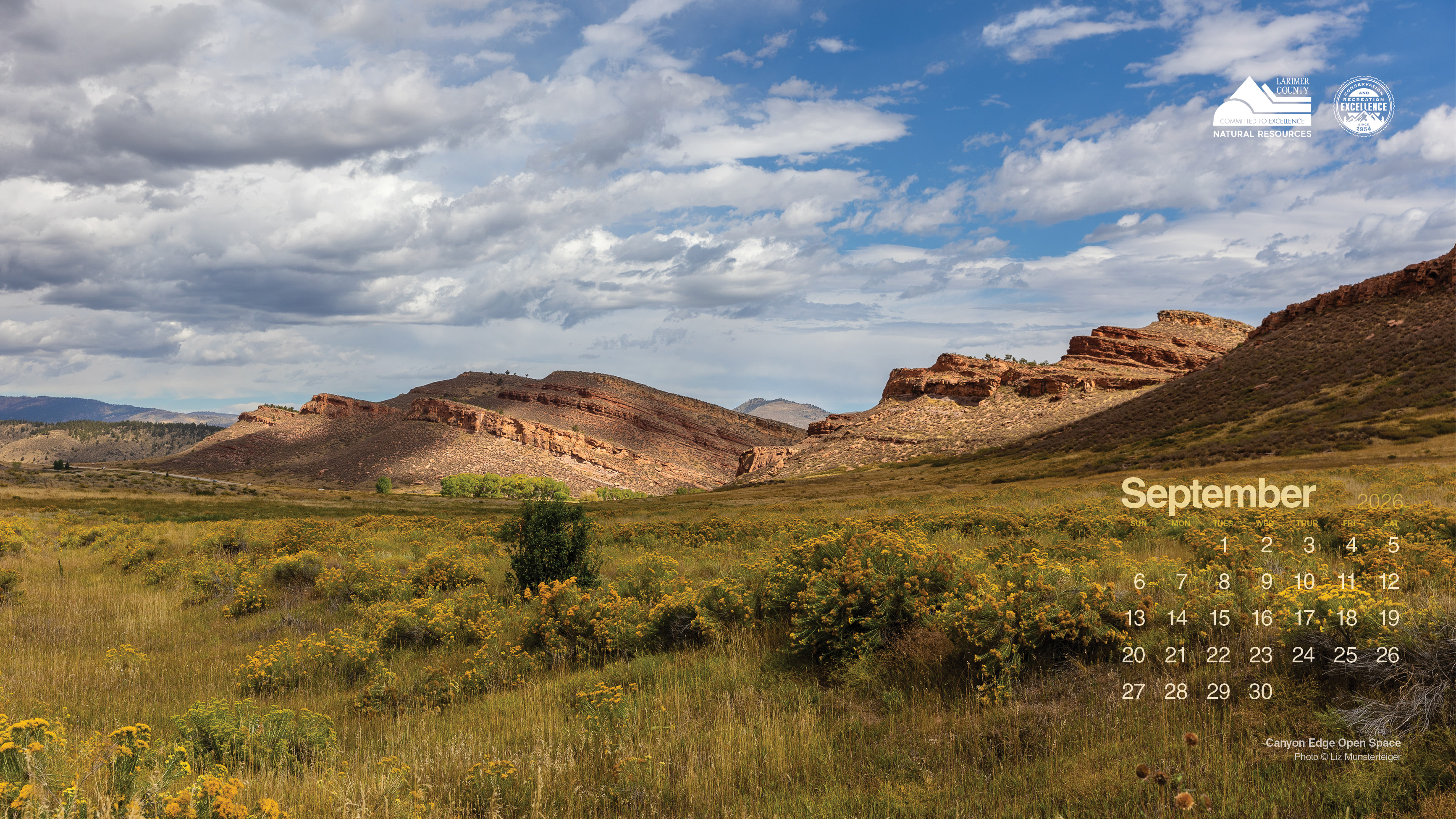
Whether you’re working from home or tucked into an office nook, let your screen open a small window into Larimer County’s reservoirs, open spaces, and trails.
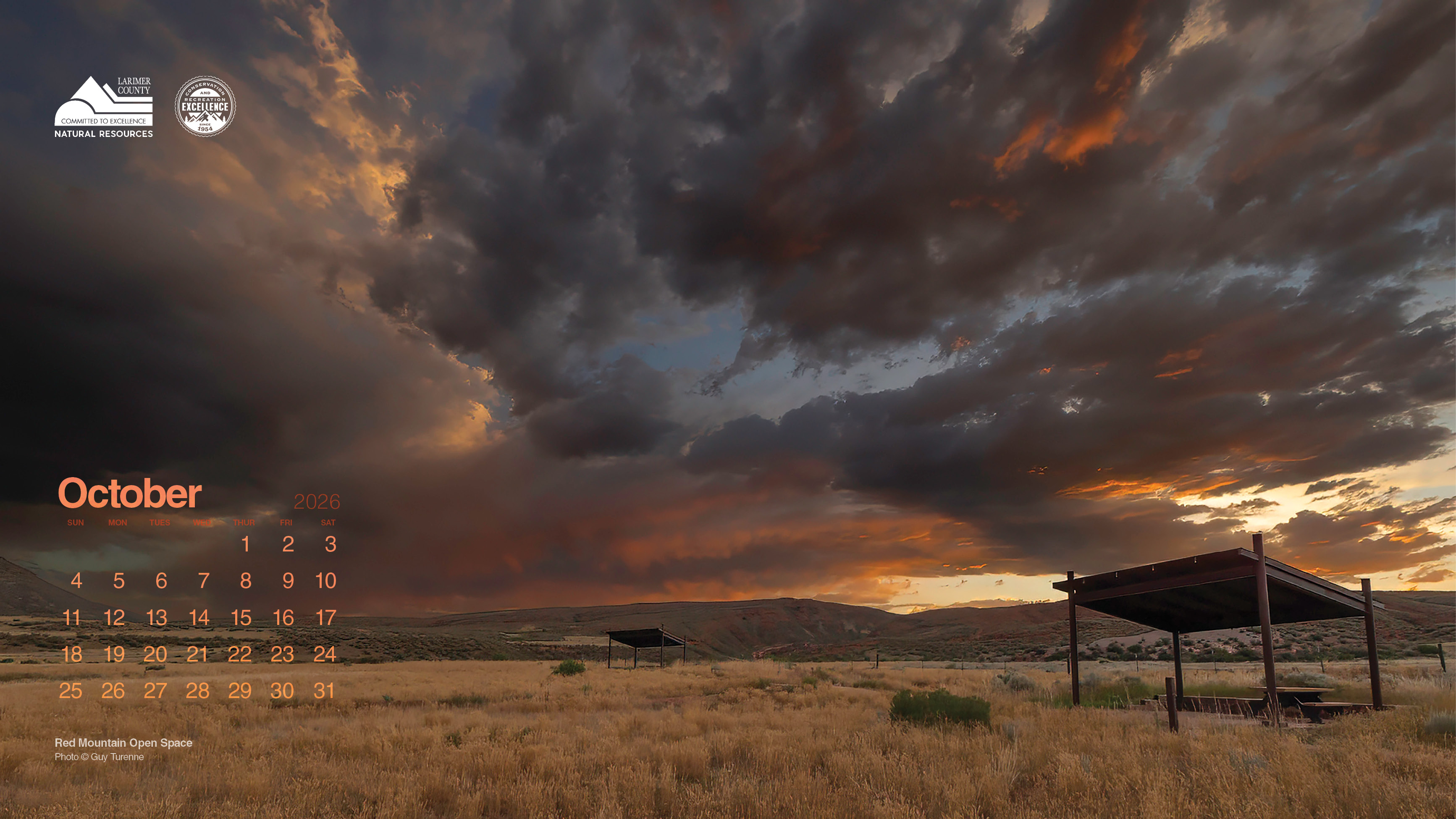
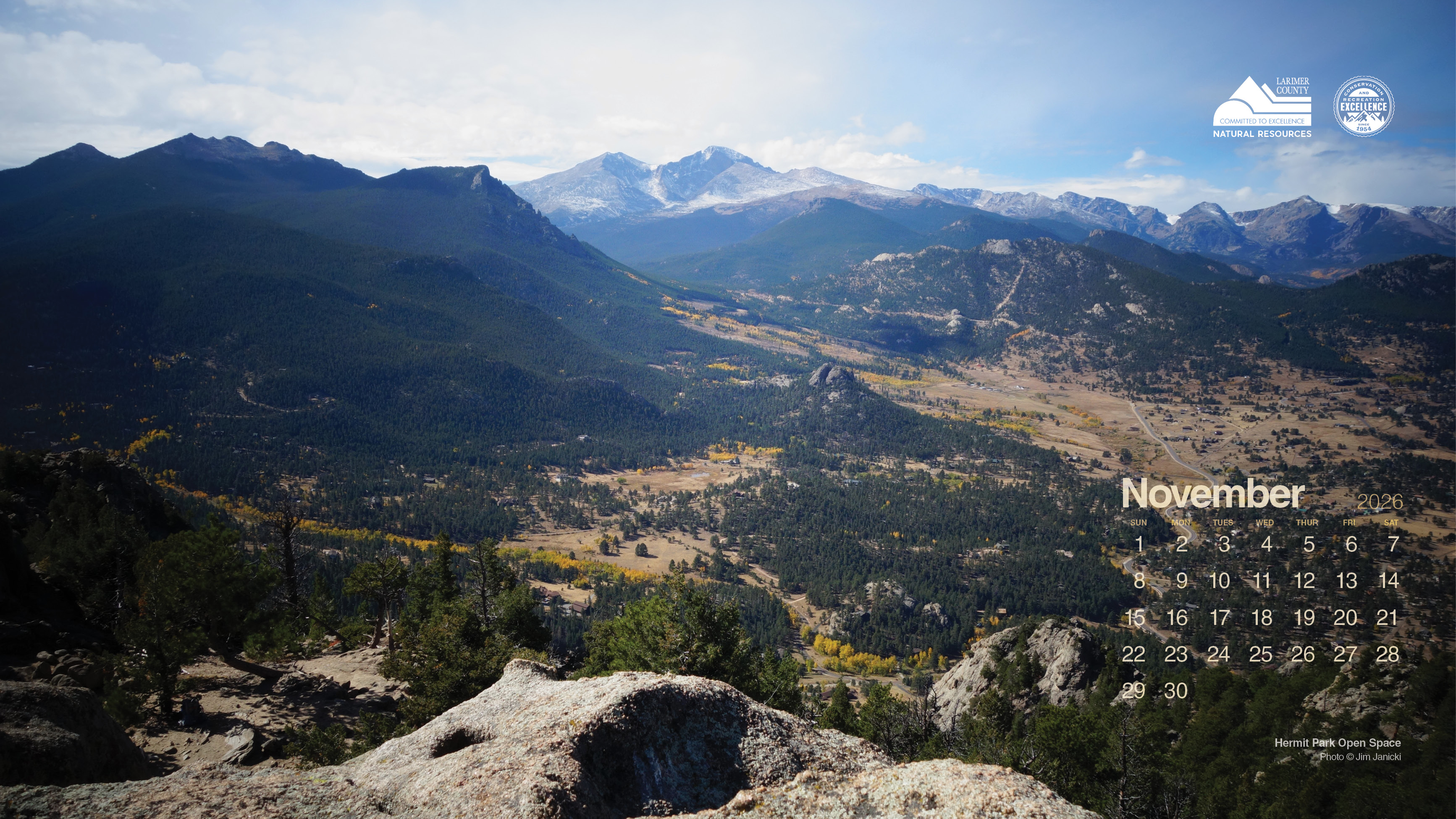
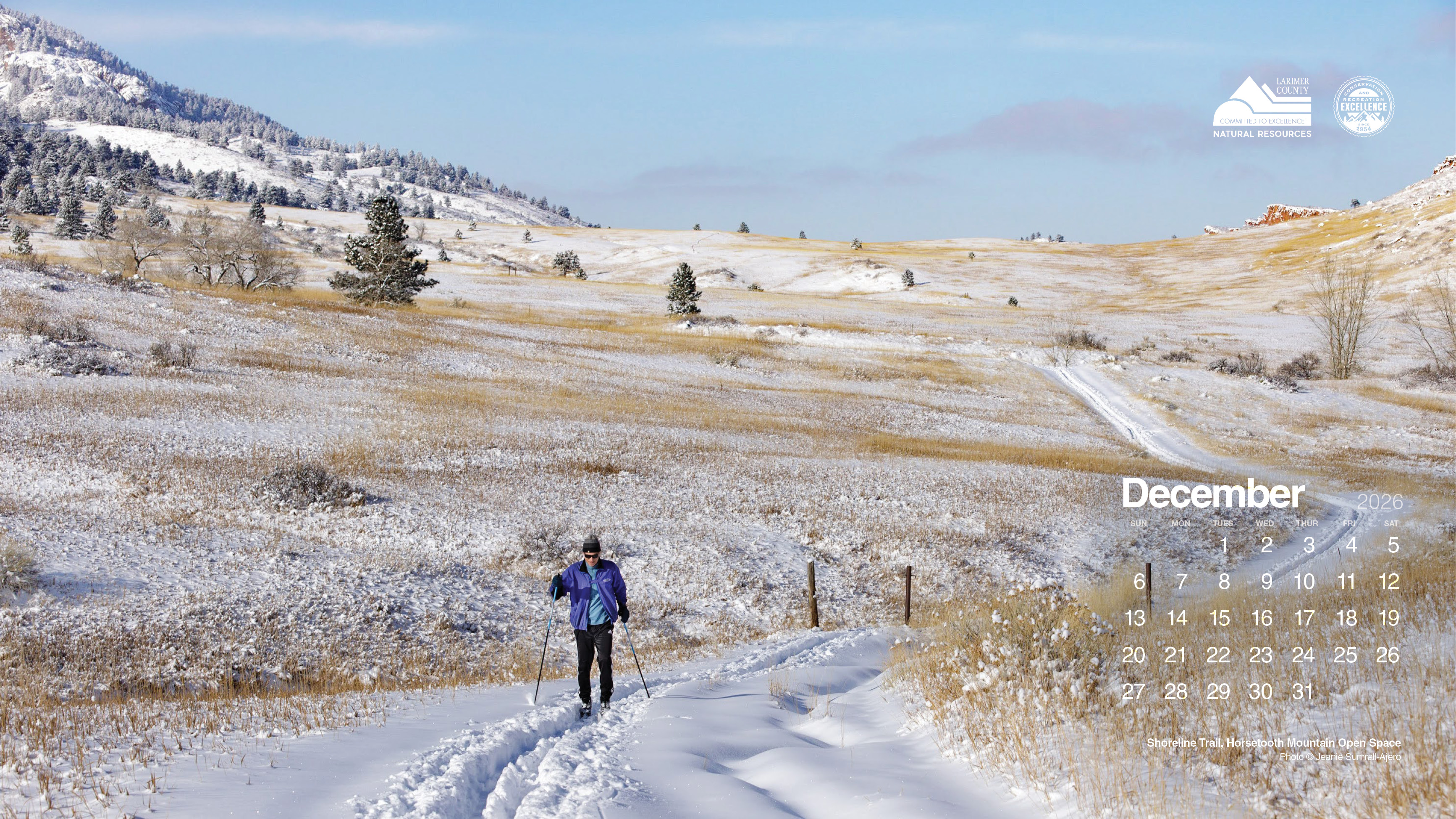
The 2026 Natural Resources desktop calendar features remarkable, seasonally curated images captured by our dedicated LCDNR volunteer photographers and staff. Each month includes its own calendar and is sized to fit neatly on your computer screen, offering a fresh view as the seasons shift.
Feel free to share this page with friends, family, and anyone who could use a bit of Larimer County's natural beauty in their day.
How to download and set your desktop image
Download the image
Right-click the month you want and choose Save Image As. Select a folder on your computer where you’d like to keep the 2026 images, then click Save.
Set it as your desktop background
On Windows:
Right-click the saved file and select Set as desktop background.
On Mac:
Right-click (or control-click) the file and choose Set Desktop Picture.
You can also go to System Settings → Wallpaper and select the image from there.